Stop texting & emailing yourself
You found a restaurant address browsing on your laptop and need to navigate to it on your phone. Or opened a link in bed that you actually want to read at a desk. The move is always the same: open Mail, or WhatsApp, iMessage, or Slack... and send it to yourself. It works.
PasteLog is built to eliminate the pain of sending data across your devices: ad hoc workflows, in-the-moment decisions around which messaging app to use and how, disorganized text snippets that are easy to lose or forget what they're for.
Works on every device
PasteLog is a browser app, so it runs on anything that can open a tab. Phone, tablet, laptop — including the locked-down work computer where you cannot install things. Paste, and the entry lands in a chronological log, newest first, with a timestamp. Selecting an item copies it to the system clipboard. The other direction is the same: paste on one device, copy on the other.
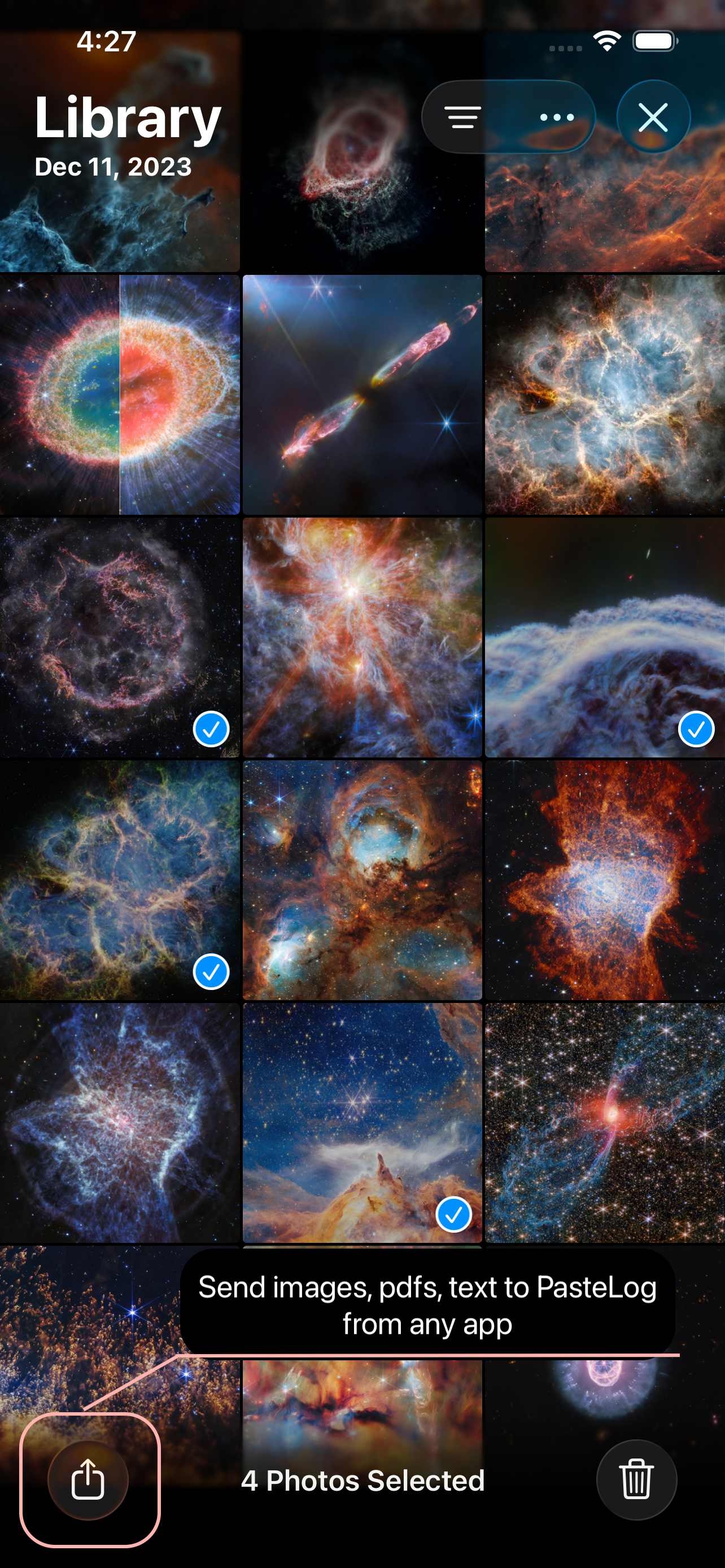
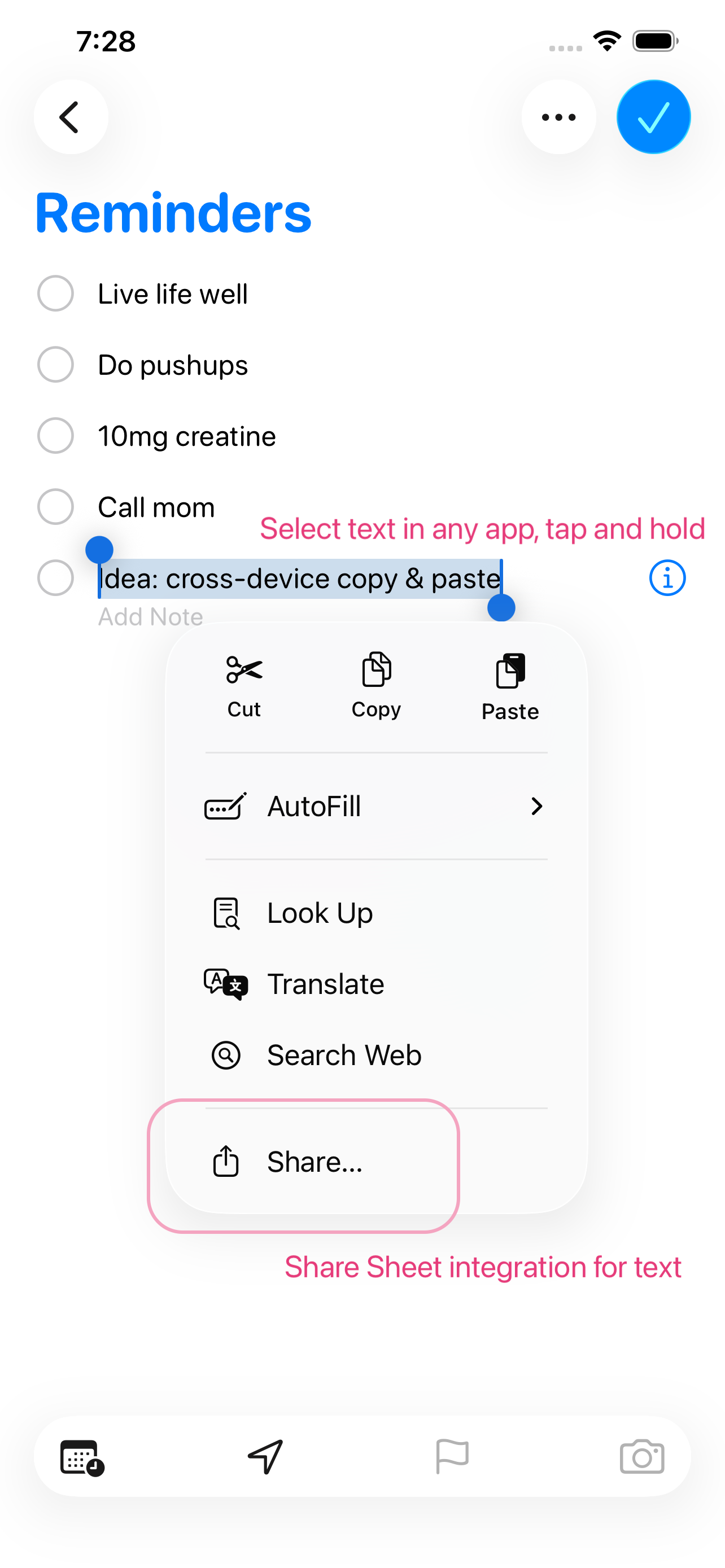
The iOS app adds further convenience. It integrates directly with native apps — share from Notes, Photos, or Safari through the iOS share sheet — and the interface is built for the phone.
Use tags to filter
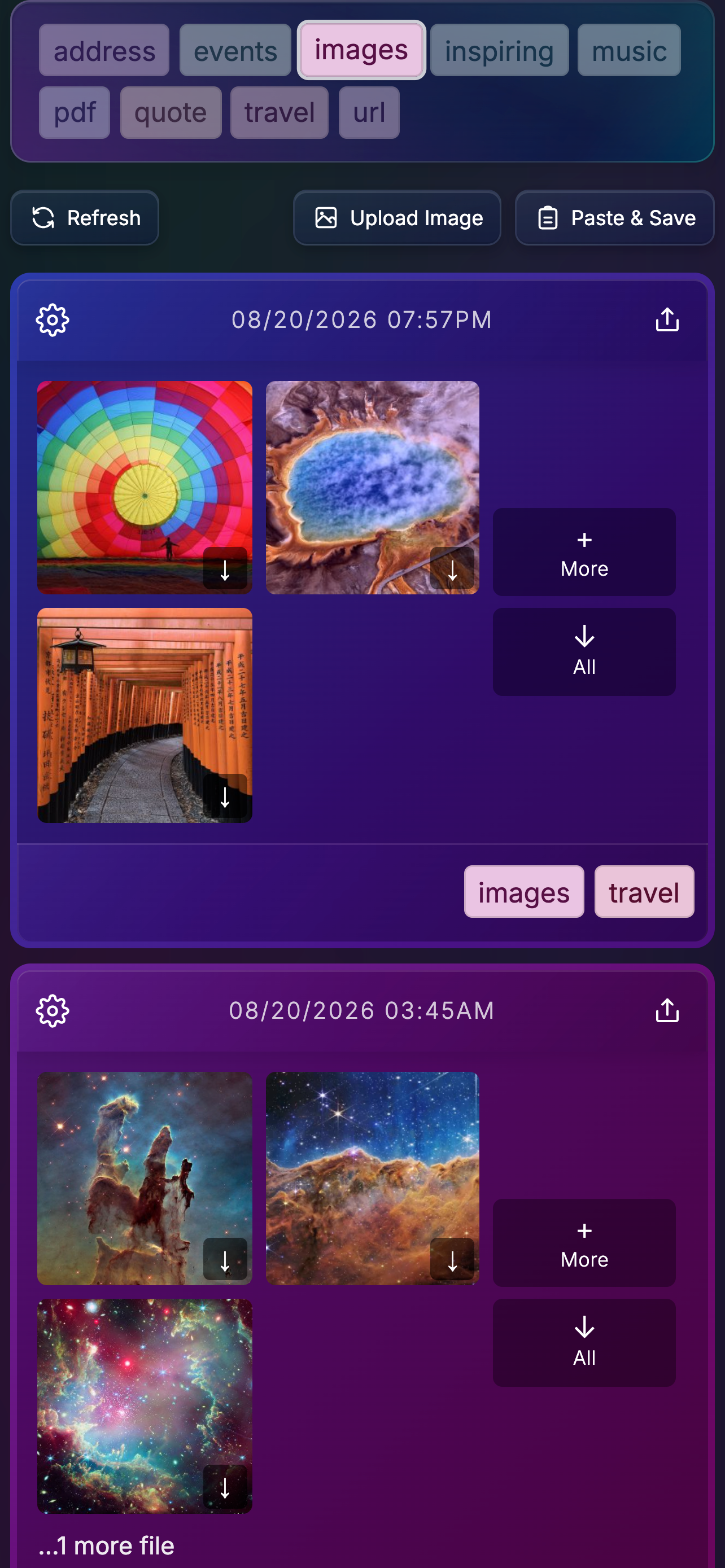
Tags surface every item of a certain type. Select one and the log shows only those: every airline loyalty number, every membership ID, every reference link you keep coming back to. Easier to scan, easier to get to what you need.
When you need an airline number, you open the log, filter to the tag, copy.
A note next to the paste
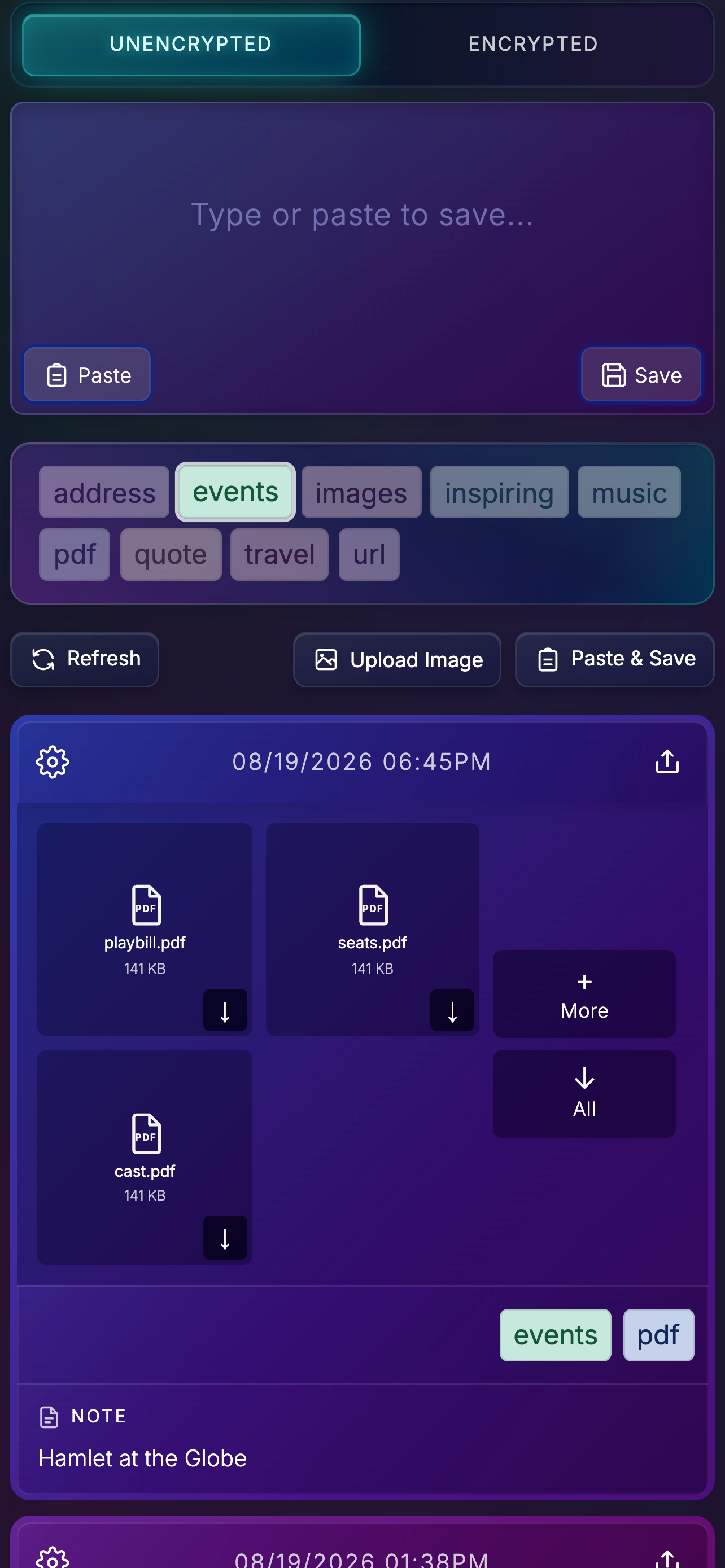
A long URL, an address, a phone number — a week later it is easy to forget what they are, or what they are for. Content links from YouTube or social media all look the same. A note next to the paste says which place, which video, which person. You do not have to open every link or guess which entry is which.
When you need it again, it is there, with its note.